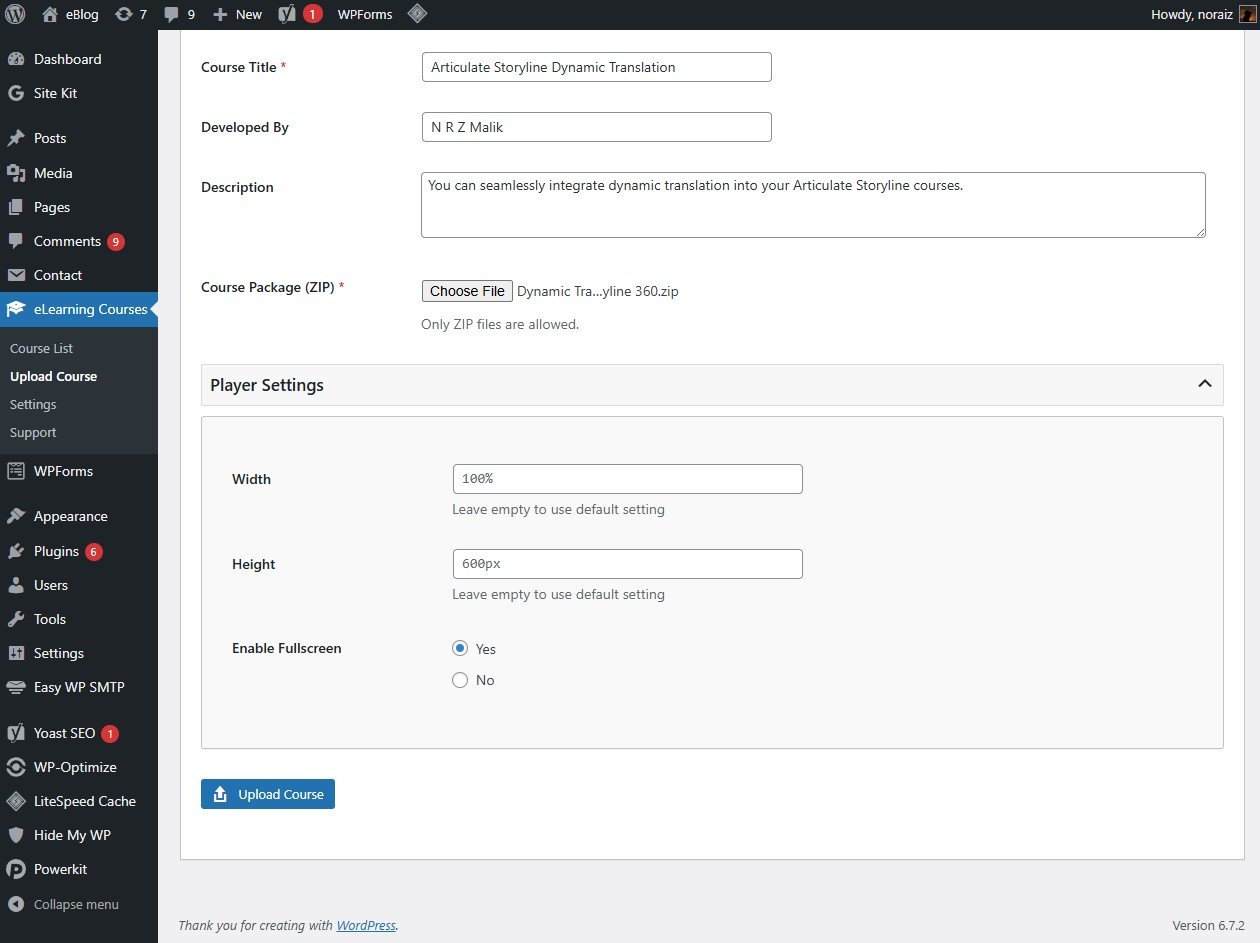
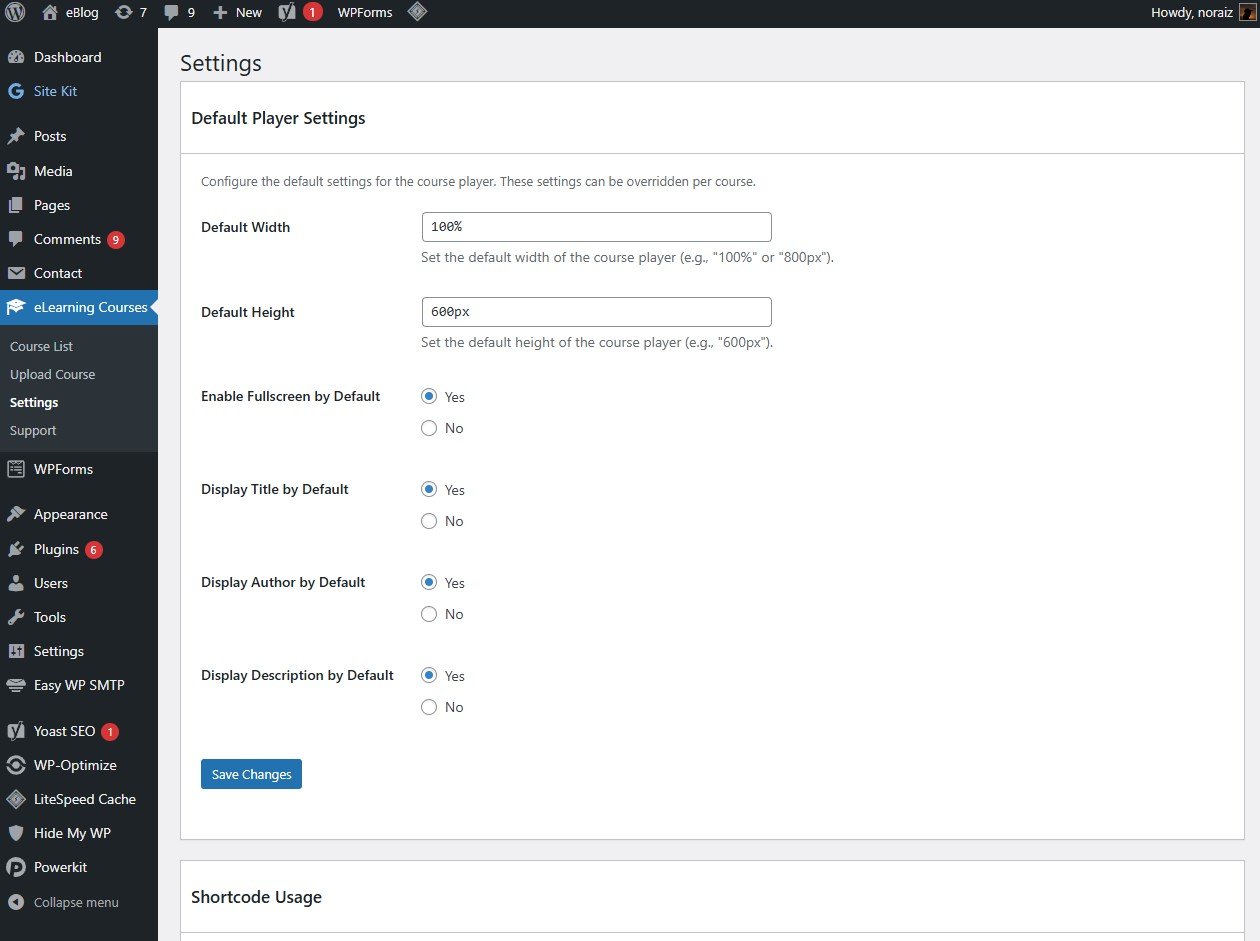
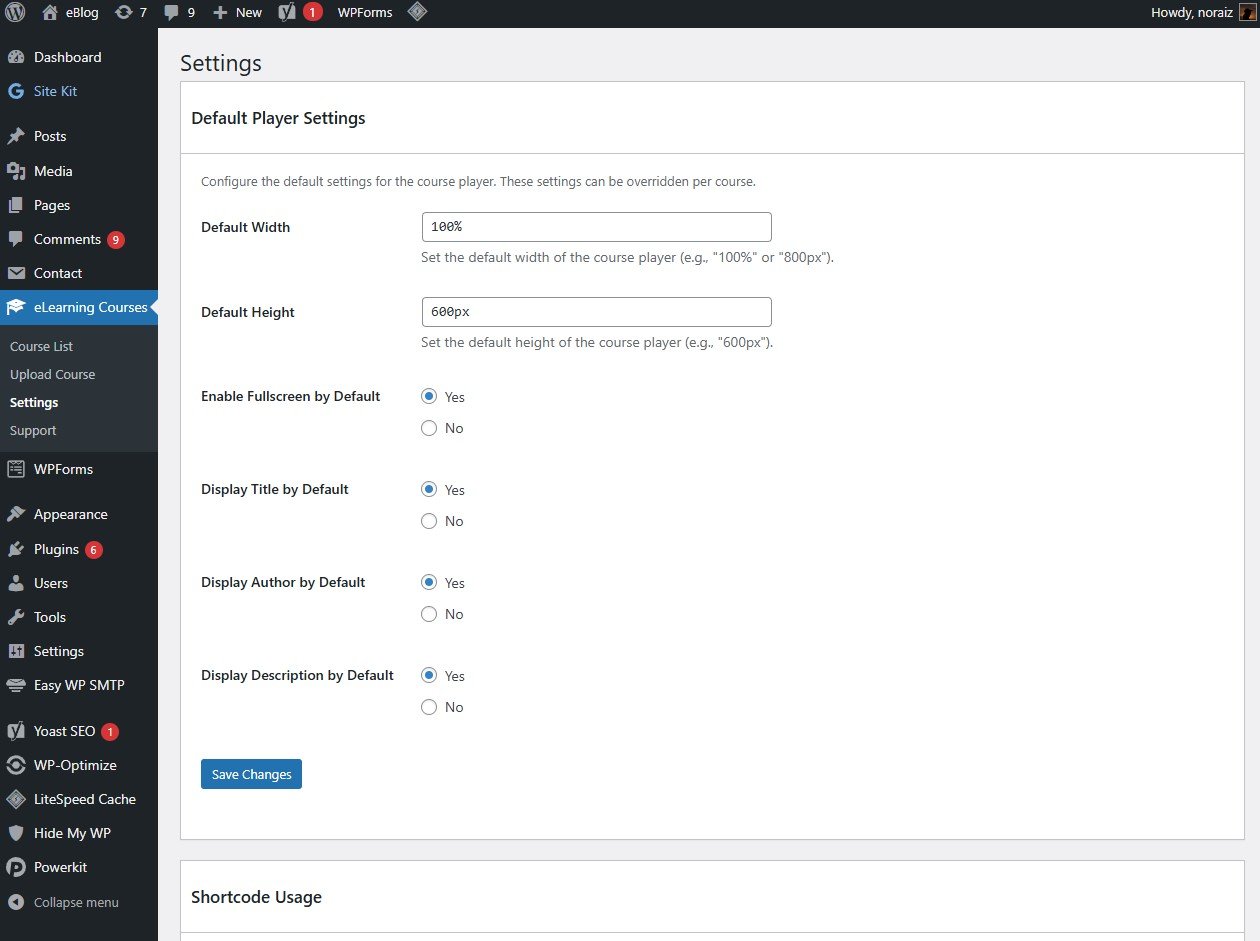
Shortcode Reference
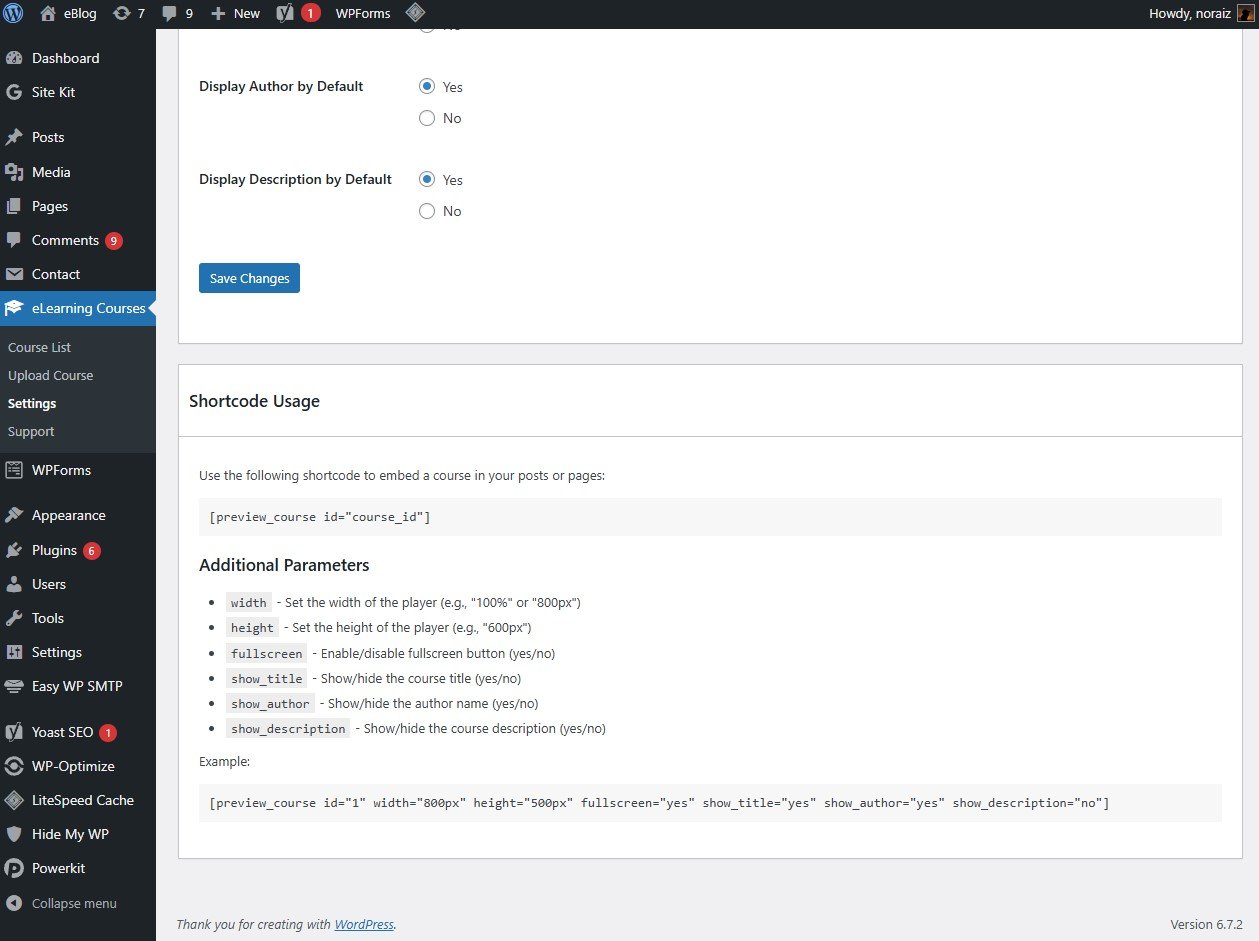
The basic shortcode format is:
[preview_course id="course_id"]
Additional parameters include:
| Parameter |
Description |
Example |
width |
Set the width of the player |
width="100%" or width="800px" |
height |
Set the height of the player |
height="600px" |
fullscreen |
Enable/disable fullscreen button |
fullscreen="yes" or fullscreen="no" |
show_title |
Show/hide the course title |
show_title="yes" or show_title="no" |
show_author |
Show/hide the author name |
show_author="yes" or show_author="no" |
show_description |
Show/hide the course description |
show_description="yes" or show_description="no" |
controls_display |
Show/hide the floating player controls (open in new tab, fullscreen) |
controls_display="yes" or controls_display="no" |
controls_position |
Position of the floating controls over the player |
controls_position="top-right", top-left, bottom-right, or bottom-left |
Full example:
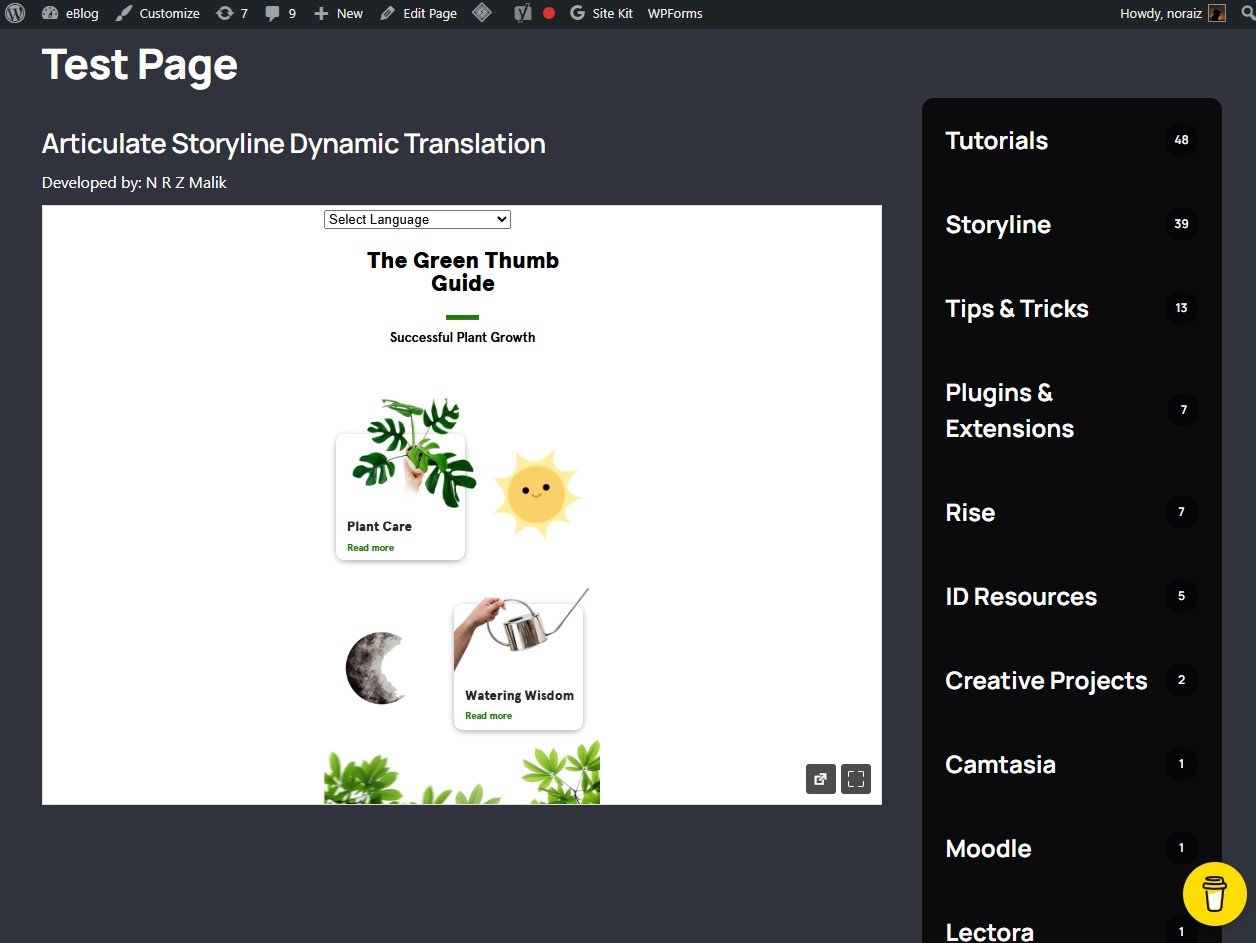
[preview_course id="1" width="800px" height="500px" fullscreen="yes" show_title="yes" show_author="yes" show_description="no" controls_display="yes" controls_position="top-right"]
Prefer a visual editor? The same course, dimensions, and fullscreen option are available from the Gutenberg block and Elementor widget without writing a shortcode.
Storage & CDN Options
Course packages can grow large, especially with embedded video and audio. Choose where files are physically stored from eLearning Courses > Settings > Storage Settings:
-
Local Storage (default):
- Files are stored in
wp-content/uploads/courses/ on your WordPress server
- No setup required — works out of the box
-
Amazon S3 / S3-compatible (e.g. Cloudflare R2):
- Enter your Access Key ID, Secret Access Key, Bucket Name, and Region
- Use the optional Custom Endpoint field to connect an S3-compatible provider such as Cloudflare R2 or DigitalOcean Spaces
- Requires an existing AWS (or compatible) account — the plugin does not provide storage itself
-
BunnyCDN:
- Enter your Storage Zone Name, Storage API Key, and Pull Zone URL
- Select the storage region closest to your audience
- Requires an existing BunnyCDN account
Switching providers only affects new uploads — the storage provider is written into the shortcode/player logic through the Storage Manager, so playback keeps working regardless of where a given course's files live.
LearnDash Integration
If LearnDash is installed and active, eLearning Course Uploader automatically syncs SCORM/xAPI course completion with LearnDash:
- When a course reports completion, a passing score, or success, the mapped LearnDash lesson or topic is automatically marked complete
- Learners are automatically enrolled in the parent LearnDash course if they aren't already
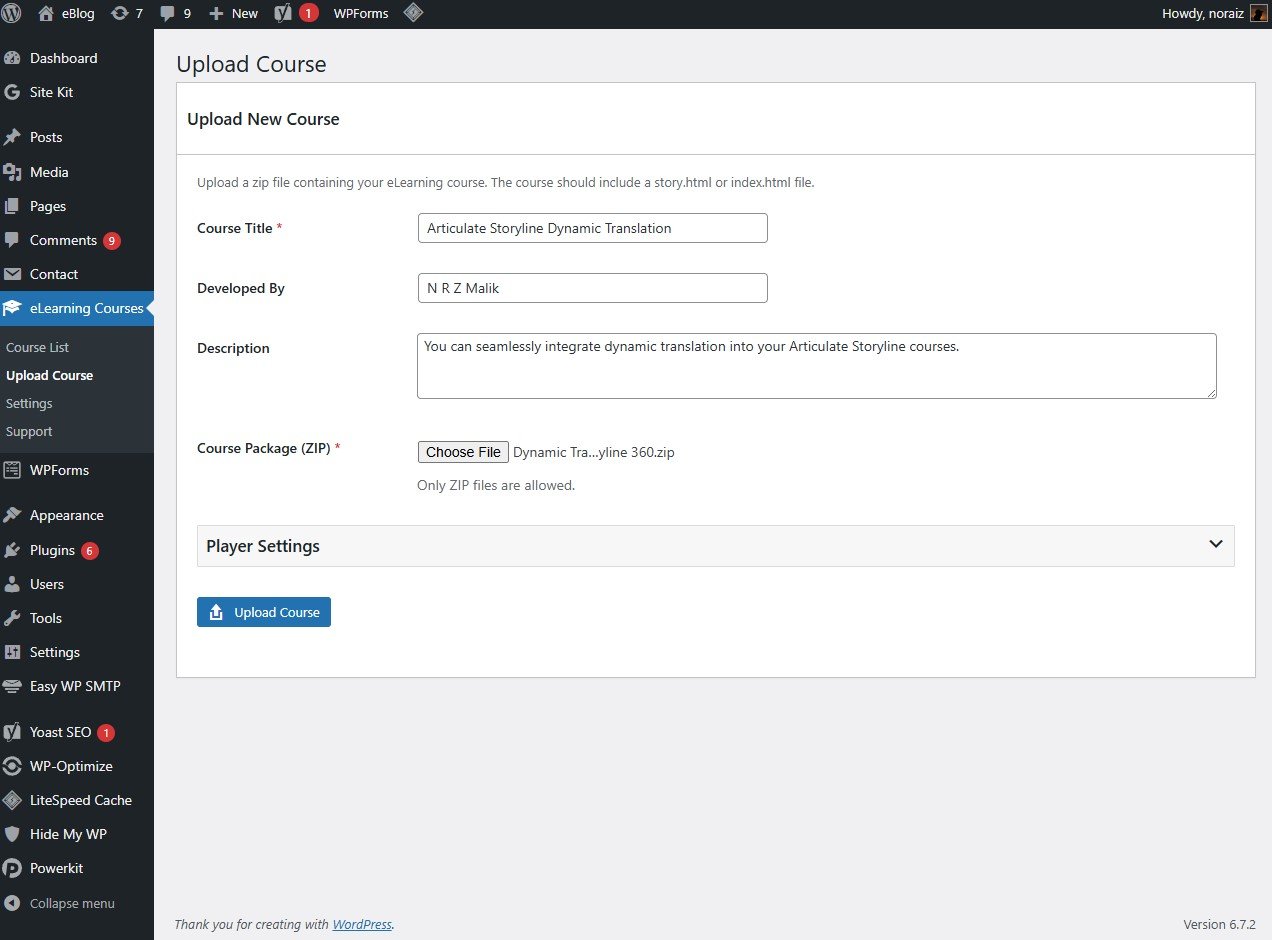
- Uploading a new course can automatically create a matching LearnDash lesson pre-filled with the course shortcode
- Deleting a course also removes its linked LearnDash lesson/topic, keeping both in sync
- Lesson/topic mappings and completion status can be reviewed and manually re-triggered from
eLearning Courses > Diagnostics
This is an integration with the separate LearnDash LMS plugin — LearnDash must already be installed and active for these features to appear.
Frequently Asked Questions
What type of eLearning content can I upload?
SCORM 1.2 packages, SCORM 2004 packages, xAPI/Tin Can packages, or plain HTML5 packages with an index.html or story.html entry point. The plugin detects the package type automatically from its manifest. This covers content from Articulate Storyline, Adobe Captivate, iSpring, Lectora, H5P, Adapt, and other SCORM/HTML5-exporting authoring tools.
Is there a file size limit for uploads?
The upload limit depends on your server configuration. The plugin itself doesn't impose any specific limitation, but your web hosting might have restrictions on maximum upload sizes. For large packages, connecting an Amazon S3 or BunnyCDN storage provider can help avoid local server limits.
Can I track user progress or completion?
Yes. For SCORM and xAPI packages, the plugin includes a built-in SCORM runtime that captures completion status, pass/fail, and scores for every logged-in learner, viewable in the new Reports dashboard. Progress tracking requires the learner to be logged in — it is not recorded for anonymous visitors.
Can I store course files outside my WordPress server?
Yes. In addition to local storage, you can connect Amazon S3 (or an S3-compatible service like Cloudflare R2) or BunnyCDN from Settings, using your own cloud storage/CDN account credentials.
Does it work with LearnDash, Elementor, and Gutenberg?
Yes. If LearnDash is active, course completion automatically syncs to the matching LearnDash lesson/topic. Courses can also be embedded with a native Gutenberg block or Elementor widget, in addition to the shortcode.
Will the plugin work with any WordPress theme?
Yes! The plugin is designed to be compatible with any properly coded WordPress theme. The iframe-based player adapts to your theme's layout.